WP2Vercel

Keep AI agents from scanning your WordPress

WP2Vercel is a WordPress plugin. It keeps WordPress on a private network and replaces the public site with static files or a Headless front end on Vercel. The free edition is open source and will be published on GitHub. Paid plans are billed yearly per site.

Joining the list is free. We will tell you when the paid plans open.

  • Built by Tenten
  • 10+ years building websites
  • 2,500+ WordPress sites
  • Open-source free edition
  • Scan for the login page/wp-login.php404
  • Enumerate users/wp-json/wp/v2/users404
  • Brute-force passwords/xmlrpc.php404
  • Fingerprint plugin versions/wp-content/plugins/404
  • Try SQL injection?id=1' OR '1'='1No database
  • Upload a webshell/wp-admin/admin-ajax.php404
Routine probes an AI agent runs against a public site. After conversion, each of these requests gets a 404 or finds no database.
PHP runtime
None
Database
None
Login page
None
Static files
HTML, CSS, JS, images
Illustrative screen

Every number on this site has a source

  • Patchstack
  • CISA KEV
  • Verizon DBIR
  • W3Techs
  • Anthropic
  • Google Project Zero
  • arXiv
  • Vercel Docs

Why now

Patching takes weeks. Exploits take hours

WordPress runs more websites than any other CMS, with 57.3% of the CMS market. Most of its vulnerabilities are in plugins, and many have no patched version when they are disclosed.W3Techs, 2026-11-24

New vulnerabilities in the WordPress ecosystem in 2025, up 42% from the year before
11,334
Patchstack, 2026
Of new vulnerabilities were in plugins. The other 9% were in themes
91%
Patchstack, 2026
Of vulnerabilities had no patch from the developer when they were publicly disclosed
46%
Patchstack, 2026
Weighted median, for heavily exploited vulnerabilities, from a protection rule going live to the first observed exploitation attempt
5hours
Patchstack, 2026

You cannot finish patching in a few hours.So we stop racing to patch and put PHP out of the public internet's reach.

AI agents make this faster

  • 80-90%

    In an espionage campaign disclosed by Anthropic, AI carried out 80 to 90 percent of the work and people stepped in at a few critical points. There were about thirty targets.Anthropic, 2025-11-13

  • 87% of 15

    Given the CVE description, GPT-4 exploited 87% of the 15 one-day vulnerabilities researchers tested. Without the description it managed 7%. This is a 2024 preprint.Fang et al., arXiv:2404.08144

  • 43 days

    Median time for organizations to fully patch vulnerabilities on CISA's known-exploited list. Vulnerability exploitation is also now the most common starting point for breaches, at 31%.Verizon DBIR summary, 2026

Linking AI to the speed of WordPress exploitation is our judgment. None of the reports above draws that conclusion. These are the public findings we base it on.

How it works

Separate editing from public browsing

Once the plugin is installed, the site visitors see and the admin editors work in are two different places.

Admin access rules
Illustrative screen
cms.example.internalNo public IP

Conditions for access

Identity
Site editors group in company SSO
Verification
MFA required
Any other source
Denied

Recent connections

  • Editor · MarketingVerified
  • Unknown source · automated scanDenied
  • Unknown source · automated scanDenied

Editors work as usual. The admin stays private

The plugin installs on your existing WordPress. Editors keep the same admin and the same page editor. You move the admin behind zero-trust access, and outsiders cannot see the login page.

  • The admin sits behind zero-trust access with no public IP
  • From the Team plan up, the plugin probes from outside to check whether wp-login.php, xmlrpc.php and wp-json are still reachable
  • The editing workflow stays the same, so there is nothing to retrain
See how the three zones divide
WordPress admin › WP2Vercel
Illustrative screen

Publish

Publish scope

Single pageChanged pages onlyFull site

Pages this publish will update

  • Q3 2026 investor briefing/investors/q3-2026/New
  • News/news/Related update
  • Home/Related update
Leak scan: Passed. No admin domain in the output files
Publish targetVercel · preview branchPublish to preview

One plugin turns your site into deployable files

WP2Vercel exports your pages as HTML, CSS and JavaScript and pushes them to your Git repository, where Vercel deploys them. Full-site export and single-page publishing are in the free edition.

  • From the Pro plan up, editing one post publishes only the changed pages, and you can schedule publishing
  • Before each publish, the plugin scans the output files for the admin domain. Pro also checks REST API links, author archive pages and version strings, and blocks the publish if it finds any
  • Forms, site search and multilingual output are in the Pro plan
See plugin features
Publish history
Illustrative screen
  1. Plugin pushes to the preview branch3 files changedDone
  2. Vercel builds a preview URLpreview-q3-2026.vercel.appDone
  3. Head of communications approvesApproves the merge request after viewing the previewApprove
  4. Merge to main and publish to productionMerge requests onlyNot started
Live versionDeployment from Nov 24, 14:02Roll back to the previous version

Every publish has a preview, an approval and a rollback

Content goes to a preview branch first, which produces a preview URL. It reaches production only after someone reviews it, approves it in Git and merges it.

  • The named approval workflow and approval records are in the Team plan
  • The Team plan checks your Git token and branch protection settings
  • Publish history and rollback start at the Pro plan
See publishing features by plan

Before conversion

The public internet connects straight to WordPress

  • /wp-login.phpLogin pageReachable
  • /xmlrpc.phpRemote callsReachable
  • /wp-json/REST APIReachable
  • /wp-admin/admin-ajax.phpPlugin endpointReachable
  • /wp-content/plugins/*Plugin codeReachable

After conversion

The public internet connects only to Vercel

  • /index.htmlPageStatic file
  • /assets/*Styles and scriptsStatic file
  • /wp-login.phpNot there
  • /xmlrpc.phpNot there
  • /wp-json/Not there
Illustrative screen

Only files that cannot execute stay public

The login page, xmlrpc.php, the REST API and plugin endpoints are not on the public site. Agents will still scan it, and the paths they look for do not exist.

  • The public site has no PHP runtime and no database
  • Vercel's WAF and DDoS mitigation sit in front
  • The Security page lists each risk that remains
See the leak scan

Architecture

One architecture, three zones

Content moves in one direction only. With each zone it crosses, fewer people can touch it.

  1. 01

    Private zone

    The WordPress admin sits behind zero-trust access. Only verified editors get in.
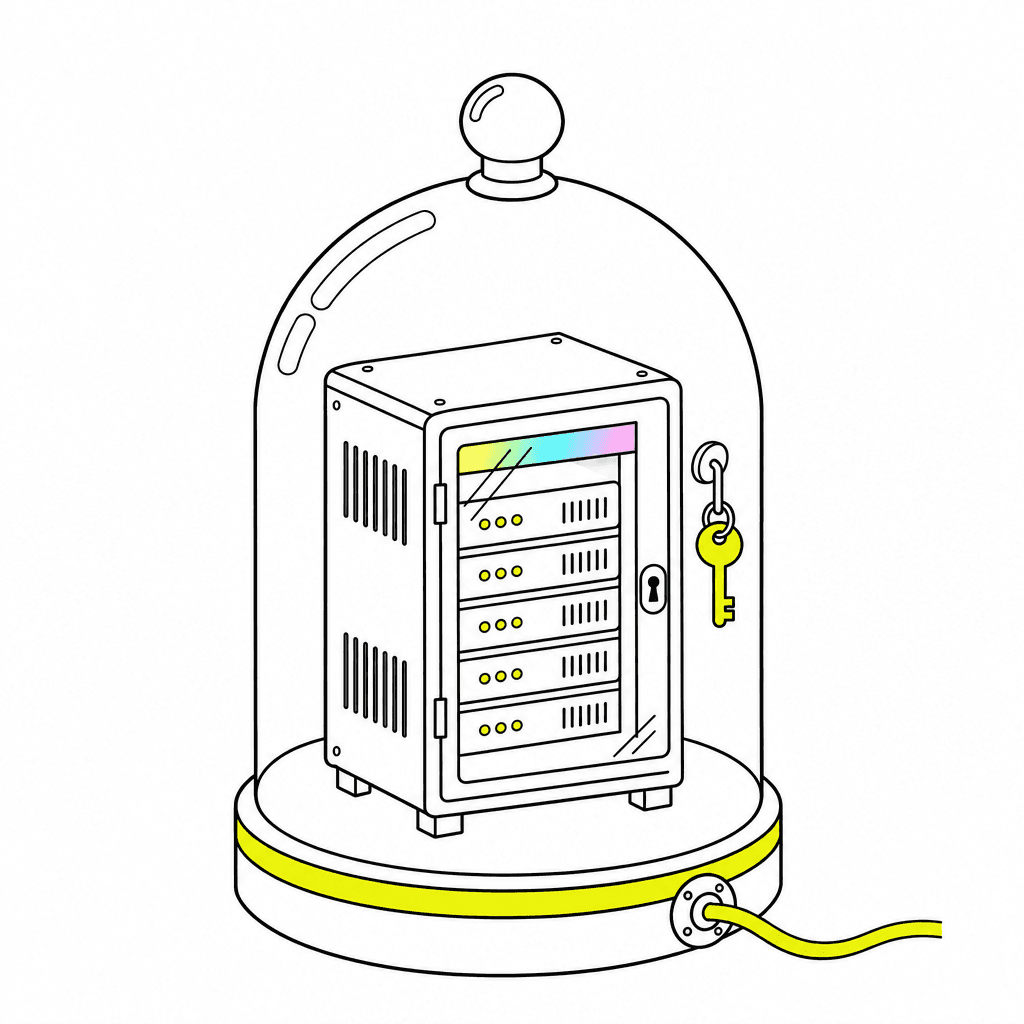
    A server under a glass bell jar with a key hanging beside it
    • Zero-trust access
    • No public IP
    • SSO and MFA
  2. 02

    Delivery pipeline

    The plugin exports content as files and pushes them to a preview branch. They merge to production only after someone approves.
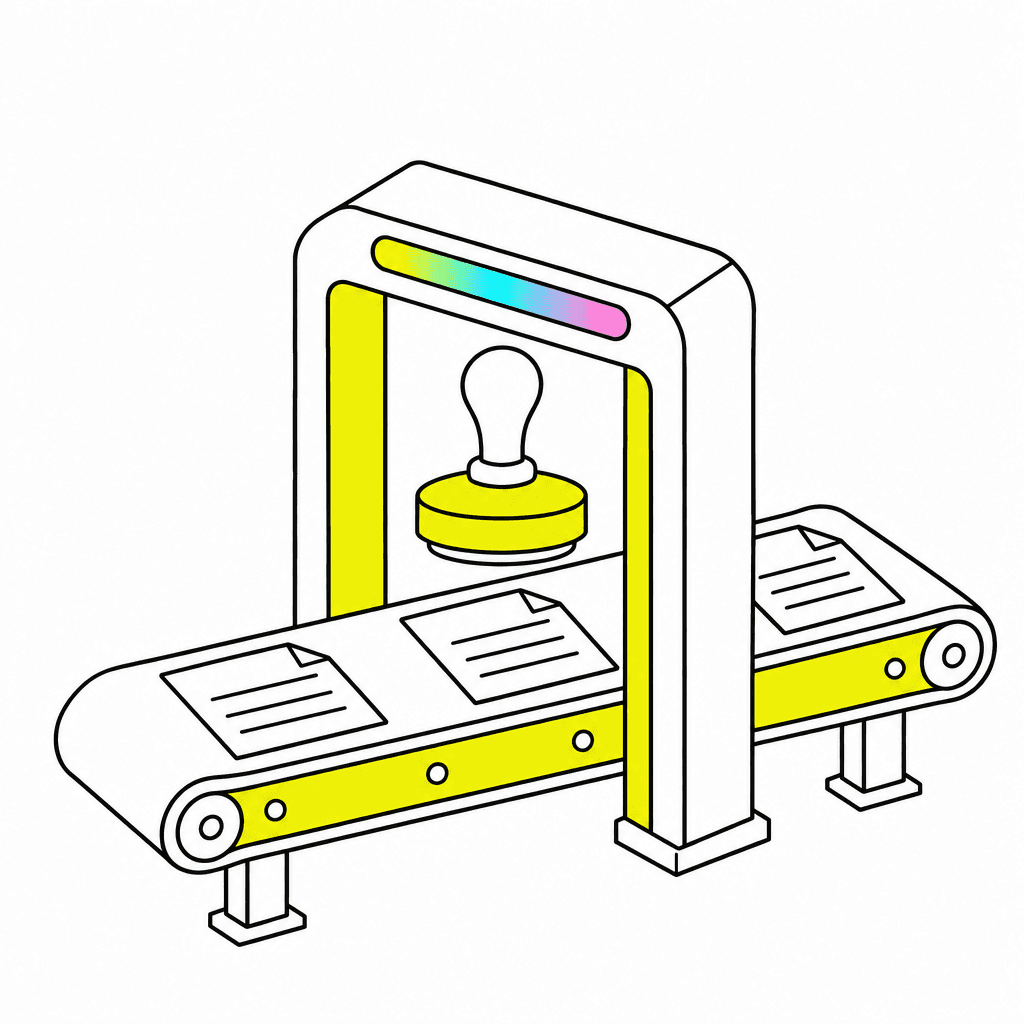
    Documents on a conveyor belt passing an inspection gate, with a stamp above
    • Preview branch
    • Human approval
    • Branch protection
  3. 03

    Public zone

    Visitors and agents can reach only the static files or Headless front end on Vercel.
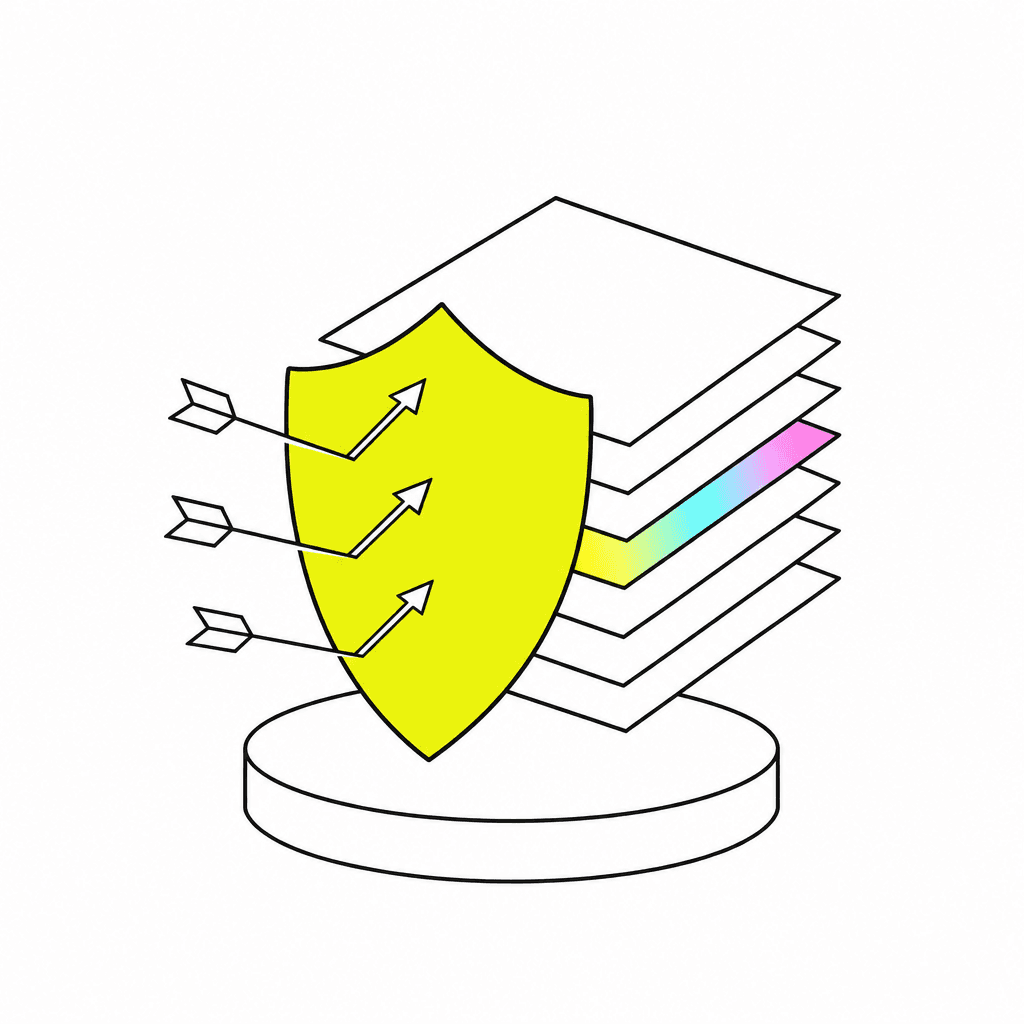
    A shield in front of a stack of paper, deflecting arrows
    • No PHP
    • No database
    • No login page

The software you get

A plugin built by Headless specialists

Tenten wrote its standard practice for building Headless sites into the plugin. You install it and you publish.

  • An open-source core you can audit

    The Community source code will be published on GitHub. You can read the code to confirm what the plugin does to your site.

  • Static and Headless output

    Every plan exports static files. Headless mode (Team and up): a controlled content channel, per-page update notifications and a Next.js starter project.

  • Replacements for dynamic features

    Forms, site search, scheduled publishing and multilingual output are in the Pro plan. Redirect rule export is in the free edition.

  • Output stays in your accounts

    The output files live in your own Git repository and the site deploys to your own Vercel account. If you change hosts later, you take the files with you.

Team and Enterprise plans

Controls built into the publishing workflow

The plugin records who approved each publish, which version is live and whether a setting has drifted. Each item below names the plan it belongs to.

See the Enterprise plan

Each publish produces a preview URL first and merges to production only after a named approver signs off. The record shows who approved and when.

The plugin checks your Git token permissions and the protection settings on the main branch. It also probes from outside to see whether wp-login.php, xmlrpc.php and wp-json are still reachable.

The Team plan exports the audit log and manages multi-site licenses in one place. The Enterprise plan can stream the audit log to a SIEM.

The license portal supports SSO, and you can define custom scan rules. Procurement and security questionnaire documents, volume licensing and custom contracts are also available.

  • SSO
  • MFA
  • Least-privilege tokens
  • Branch protection
  • Preview approval
  • Publish history
  • Rollback
  • WAF rules

Vercel states that its platform holds a SOC 2 Type 2 attestation and ISO 27001:2022 certification. These belong to the Vercel platform. They do not cover your site's content or configuration, and they do not mean WP2Vercel or Tenten is certified.Vercel Docs, Security & Compliance Measures

Pricing

Free and open source, or paid yearly per site

Licenses are counted per production domain. These are planned early access prices and may change before general sale.

  • Community

    Free open-source edition to make the site static first

    Free

  • Pro

    The full publishing workflow for one production site

    From US$190/year

  • Team

    For teams that need approvals, audit and Headless

    From US$590/year

  • Enterprise

    Multiple sites, procurement and compliance requirements

    Talk to us

Tenten

Why we stopped putting WordPress on the public internet

Tenten has built websites for more than 10 years. The same problem came back every year: plugin updates never end, and one missed update leads to an incident. We turned the practice we settled on into WP2Vercel. WordPress is only the admin, and the public site becomes static files or a Headless front end.

2,500+

WordPress sites built by Tenten
  • Isolation

    Isolate first, then patch

    You still have to patch, but patching should not be your only line of defense. With the admin off the public internet, you are no longer racing attackers to do it.

  • Static

    Go static wherever you can

    Corporate pages, press releases and investor relations content need no live computation. Plain files have no runtime to attack.

  • Headless

    Use Headless only for interaction

    Membership, carts and personalized content go to a Next.js front end. WordPress is only the content source.

  • Workflow

    Every publish can be reversed

    Publish history and rollback are built into the plugin from the Pro plan up, so nothing depends on someone remembering to take a backup.

  • Limits

    State the risks that remain

    Credentials, third-party scripts and the content itself are still risks. The Security page lists each one, along with the conditions our claims depend on.

Take WordPress off the public internet

Leave your email and we will tell you when the paid plans open. The free edition will be published on GitHub and needs no license key.

See plans and pricing

Joining the early access list is free.